Control Your Garage Lighting with an App and Voice Commands

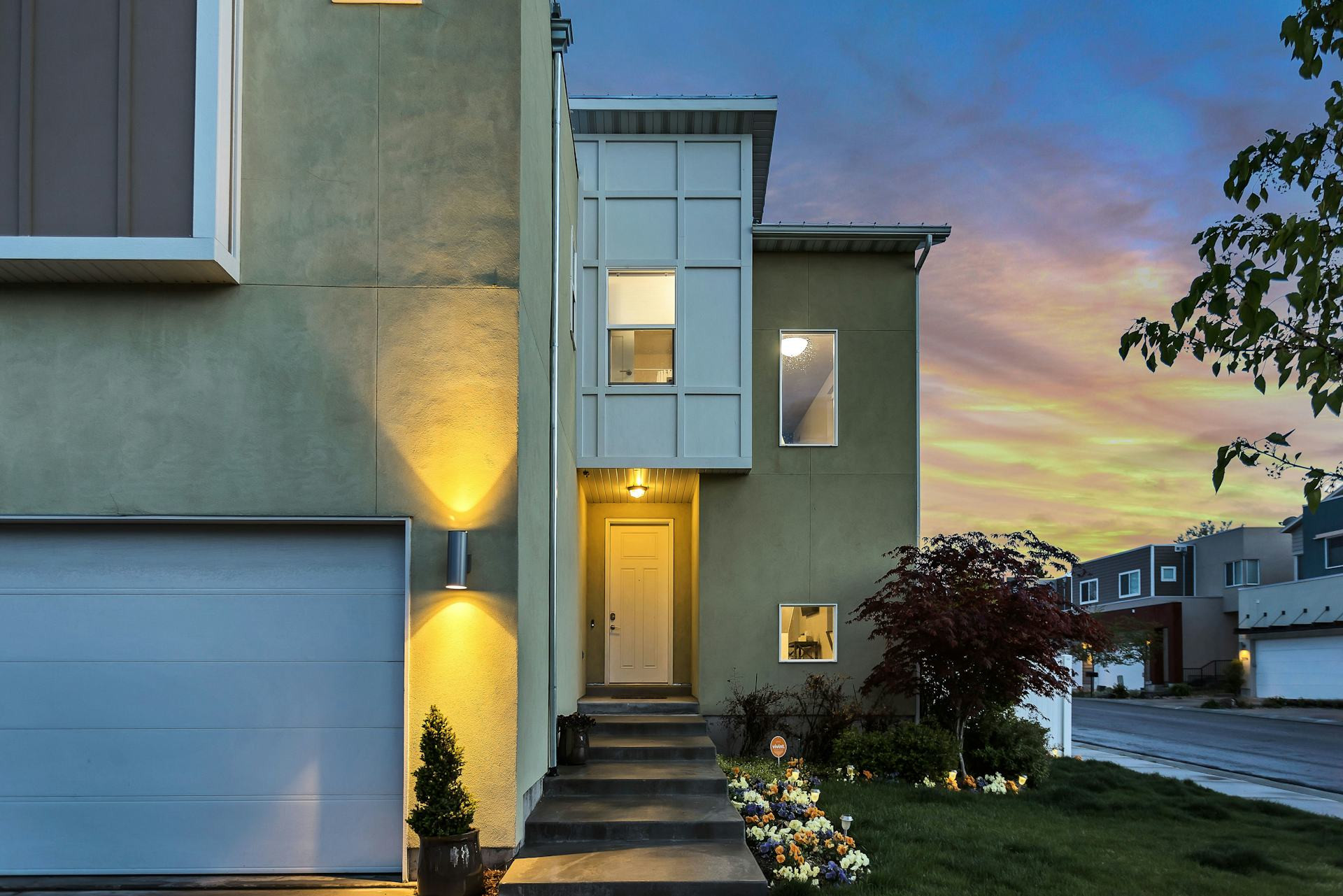
Control Your Garage Lighting with an App and Voice Commands
Being able to turn your garage lights on and off without fumbling for a switch is no longer a luxury—it’s a simple convenience that fits right into modern life. With smart lighting solutions, you can control your garage lights from your smartphone or with your voice, whether you’re pulling into the driveway, sitting in your car, or away on vacation. Here’s how to make your garage lighting smarter and more convenient.
Why Choose Smart Lighting for Your Garage?
The garage is often a place where your hands are full—carrying tools, groceries, or sports gear. That’s why automating your lighting makes perfect sense. Smart lighting allows you to:
- Turn lights on and off automatically using motion sensors or schedules.
- Control lighting remotely through an app, so you can check if you left the lights on.
- Use voice commands with systems like Amazon Alexa, Google Assistant, or Apple Siri.
- Adjust brightness to suit your needs—bright light for projects or softer light for quick visits.
It’s not just about convenience; it’s also about safety and energy efficiency.
Choosing the Right Technology
There are several ways to make your garage lighting smart. The best option depends on how advanced you want your setup to be and what smart home devices you already use.
- Wi-Fi smart bulbs: The easiest option. Simply replace your existing bulbs with smart ones that connect to your home Wi-Fi and can be controlled via an app.
- Smart switches or relays: If you want to keep your current fixtures, install a smart switch or relay. This may require some basic electrical know-how.
- Motion sensors: Ideal for garages where you come and go frequently. The lights turn on automatically when you enter and off after a set time.
- Integrated systems: If you already have a smart home platform, you can connect your garage lighting to it for unified control.
How to Get Started
- Choose your platform – Decide whether you’ll use Google Home, Amazon Alexa, Apple HomeKit, or another system.
- Install the app – Most smart bulbs and switches come with their own app to connect the devices to your Wi-Fi network.
- Add your devices – Follow the manufacturer’s instructions to link your lights to the app.
- Create routines – For example, set the lights to turn on when you open the garage door or to turn off automatically after 10 minutes.
- Test voice control – Try saying “Turn on the garage lights” to your voice assistant. It may seem like a small thing, but it makes everyday life easier.
Safety and Energy Savings
Smart lighting can also enhance your home’s security. You can program the lights to turn on when you approach your house or to follow a schedule while you’re away, making it look like someone’s home.
At the same time, you’ll save energy by ensuring the lights aren’t left on unnecessarily. Many apps even track energy usage, helping you see where you can cut back and save money.
Læs også:



Make It Your Own
One of the best things about smart lighting is how customizable it is. You can choose different color temperatures, adjust brightness, or combine lighting with other smart home features. For instance, you could create a “workshop mode” that turns on bright lights and starts your favorite playlist when you say, “Let’s get to work.”
These small touches make a big difference—especially when technology works for you instead of the other way around.
The Future of the Smart Garage
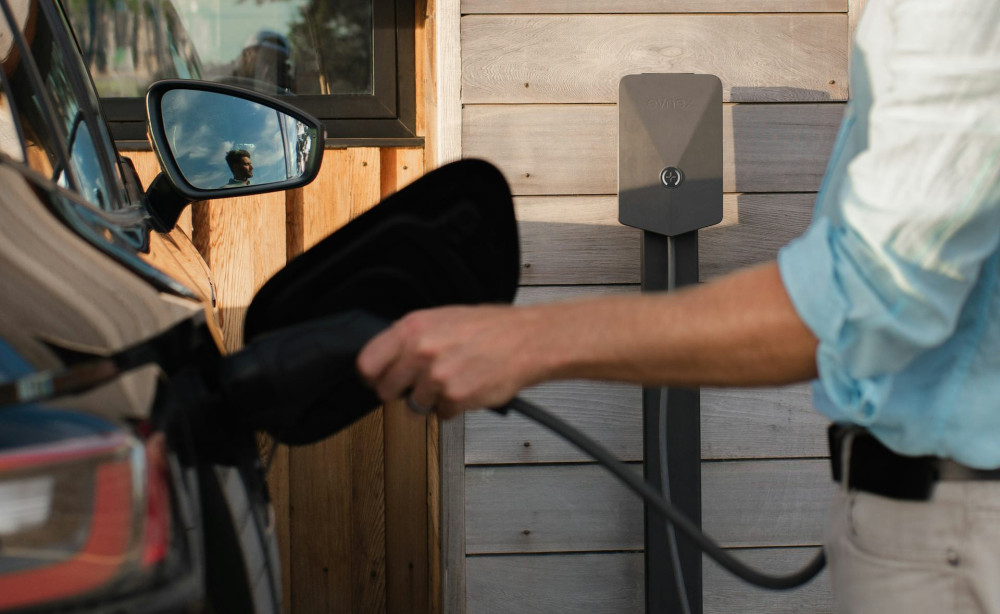
Smart lighting is just the beginning. Many systems can already integrate with garage door openers, security cameras, and electric vehicle chargers. This makes your garage a natural part of your connected home—a place where convenience, safety, and technology come together.
Whether you start with a single smart bulb or a fully integrated system, the key is to choose what fits your lifestyle. With just a few upgrades, you can make your garage brighter, safer, and more energy-efficient.
Læs også: